
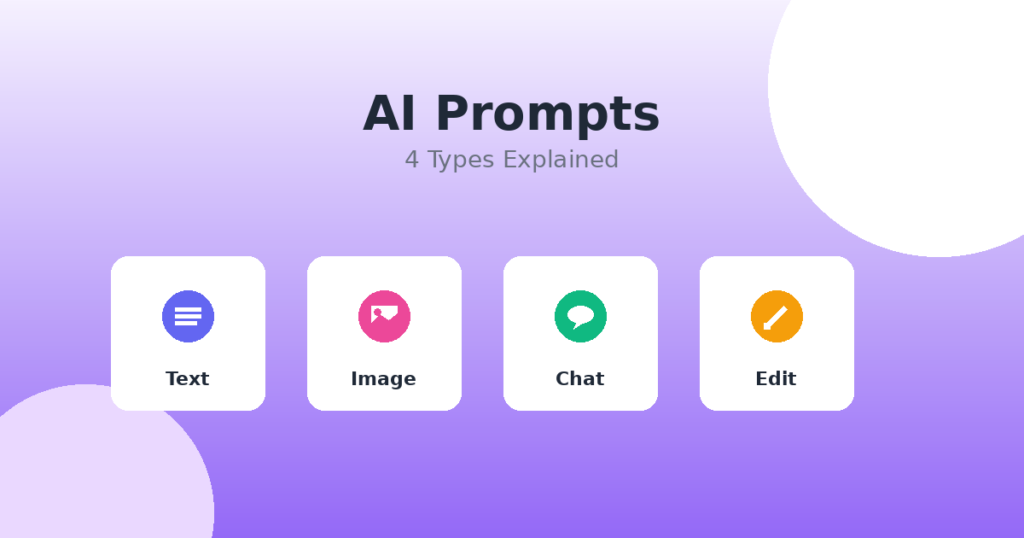
Types of AI Prompts: Text, Image, Chat & Editing Prompts Explained
If you’ve been using ChatGPT, Gemini, or any other AI picture maker, you might have realized that the method you ask matters. A lot.
That’s when triggers come into play. But not all prompts work the same way. Some are for writing, some are for drawing, and some are just for talking or cleaning up your things.
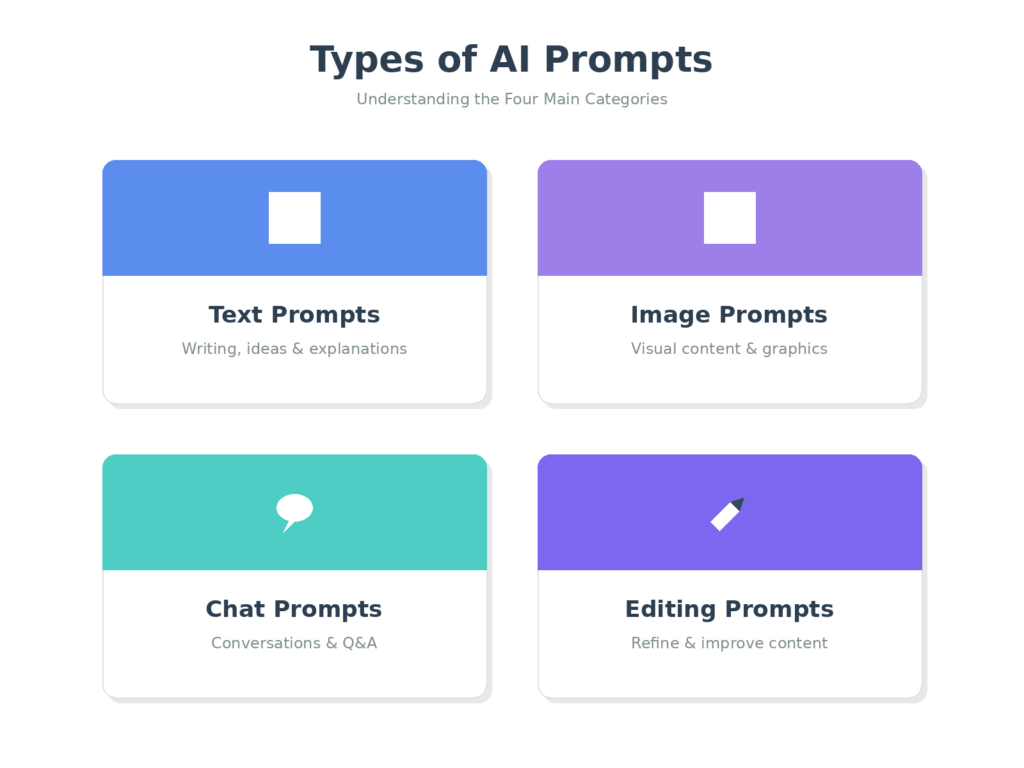
In this article, we’ll talk about the many types of AI prompts and when to use each one. No tech speak, no fluff—just examples that are practical right away.
What Are AI Prompt Types?
AI prompts are like ones you might make to a helpful assistant. Depending on what you need, you will ask in different ways.
Do you want to read a blog post? You will use a text prompt. Need a nice Instagram picture? That’s a picture prompt. Do you want to talk about an idea? A prompt for a talk is the best way to go.
Different AI tools can handle different kinds of questions. Gemini and ChatGPT are great for writing and conversing. DALL·E, Midjourney, and Gemini’s image function are all tools that can work with image prompts. Knowing which type to use makes it much easier to attain good results.
Text prompts
You’ll probably use text prompts the most. These are orders that direct the AI to create something for you, such a paragraph, an essay, or even a short caption.
Text prompts are fantastic because they can be utilized in so many different ways. You can give the AI a lot of information or leave it open and let it fill in the spaces.
Examples of Text Prompts:
Write a blog post of 500 words describing how morning walks might help busy professionals.
**Summaries: “In three bullet points, summarize this article: [paste article text]”
Social media captions: Make a caption for Instagram for a picture of spaghetti you prepared yourself. Make it warm and inviting.
Email drafts: Please help me create a business email requesting for additional time to finish a project.
Text prompts function best when you know what you want. Instead of “write about coffee,” consider “write a short paragraph about why cold brew is less acidic than hot coffee.”
Image Ideas
Image prompts tell AI systems what kind of picture you want them to create. These work with image generators like DALL·E, Midjourney, Stable Diffusion, or Gemini’s image-making feature.
The most important thing here is to be detailed. The more details you offer about the style, mood, colors, and subject, the more likely it is that the outcome will be what you desire.
Examples of Image Prompts
Product mockups: :A simple coffee mug on a wooden table with morning sunshine streaming through a window is an example of a product mockup. “The kitchen feels warm.”
Social media graphics: A vivid digital drawing of a person working on a laptop in a beach cafe, with tropical flora and sunset colors in the backdrop.
Blog thumbnails: A clean, modern workplace with a notebook, pen, and coffee cup in the blog thumbnail. A flat lay design with pastel colors.
Creative concepts: The city looks futuristic and has flying automobiles and neon signs at night. The streets are damp from the rain.
When you use picture prompts, make sure to tell them what style you want (realistic, cartoon, watercolor), what mood you want (cozy, dramatic, playful), and any specific things you want to see.
Chat Prompts
When you use chat prompts, it’s like having a conversation. You’re not ordering the AI to make anything from scratch; you’re talking to it, asking questions, getting answers, coming up with new ideas, or learning something new.
These prompts sound the most like how you might talk to a friend or a teacher.
Examples of Chat Prompts:
Questions: “Can you tell me in simple terms what the difference is between HTTP and HTTPS?”
“Can you explain how photosynthesis works?” I’m assisting my kid with their homework.
Thinking of ideas: “I need suggestions for a birthday surprise for my best friend who enjoys hiking and coffee.”
Fixing problems: “My sourdough starter isn’t bubbling.” What may be going wrong?
When you need more information, want to learn about something step by step, or just want to talk things over with someone, chat prompts are fantastic. Don’t be too formal; just ask like you’re writing to a smart buddy.
Editing Prompts
Editing prompts are all about improving what you already have. You may have written something, but it’s too long, too hard to understand, or just needs some improvement. In that case, these are helpful.
You’re not starting from scratch; you’re asking the AI to make changes, improvements, or rewrites to what you’ve already made.
Examples of Editing Prompts:
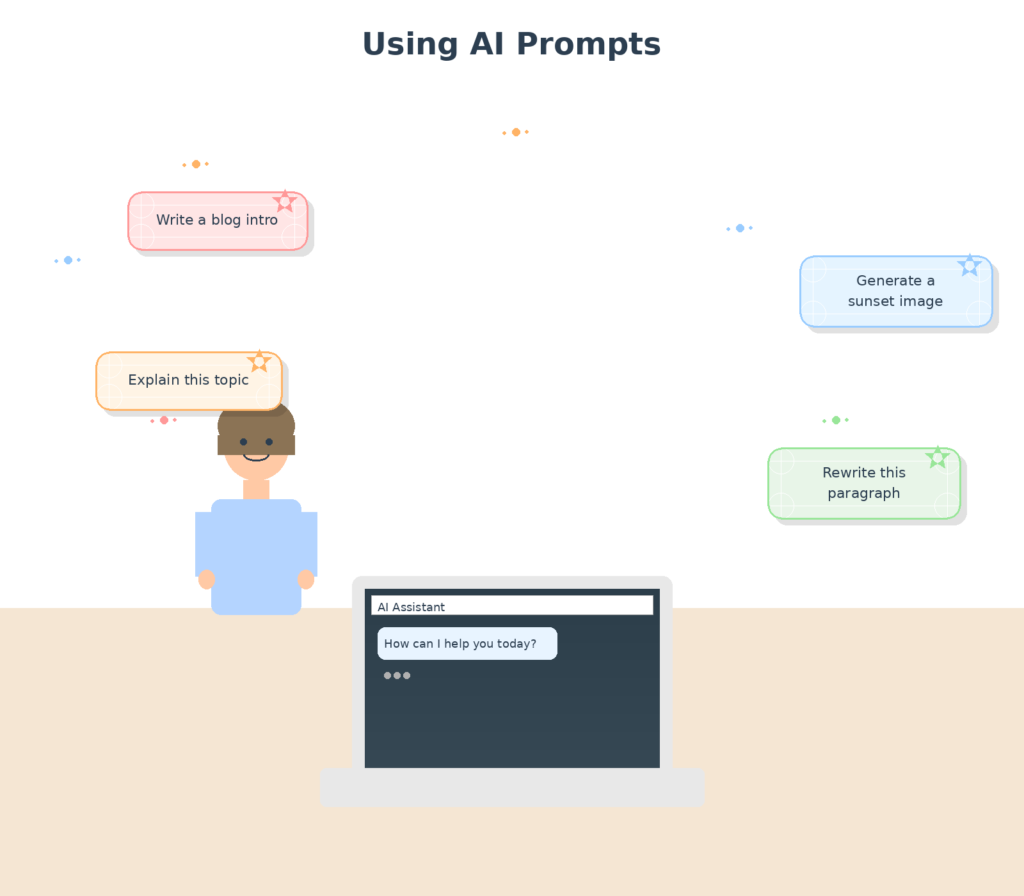
Rewrite: “Rewrite this paragraph to sound more professional: [paste text]”
Simplify: “Make this explanation simpler for a 10-year-old: [paste complex text]”
Expand: “Take this sentence and turn it into a full paragraph with more details: [paste sentence]”
Correct: “Fix the grammar and spelling mistakes in this email: [paste email]”
Tone adjustment: “Make this sound friendlier and less formal: [paste text]”
Editing prompts save tons of time. Instead of staring at a draft wondering how to fix it, you can get instant suggestions and then tweak them to fit your voice.
Gemini Prompts vs. ChatGPT Prompts
You might be curious if prompts work the same way in all AI applications.
Yes, most of the time. Gemini and ChatGPT both understand text, chat, and editing prompts in the same way. The essential point of both is to be clear and specific.
That being said, there are a few little differences:
Gemini lets you browse the web and make photographs in the same chat, which is helpful when you need pictures or the latest news.
ChatGPT is wonderful for creating lengthier, more in-depth pieces, and it might work with a number of other tools depending on how you put it up.
The good news for beginners is that a well-written prompt will work well on both platforms. Don’t stress too much over which one to choose. Just pick the one you have and start messing around with it.What kind of prompt should you use?
Still not sure which kind is best for your job? Here’s a quick guide:
When to utilize text prompts:
- You have to write fresh things
- You’re sending emails, creating blog posts, or posting on social media
- You want lists or explanations
When to utilize image prompts:
- You need a photo for a project
- You’re making pictures for your blog or social media postings
You want to see creative ideas in action.
When to utilize chat prompts:
- You want to know something or ask a question
- You need help coming up with ideas or solving difficulties
- You want to talk to someone the same way you would in a conversation.
When to utilize prompts for editing:
- You already have some content, but it could be better.
- You want to change the tone, length, or clarity of it.
- You’re replacing the words in sentences or adjusting the grammar
You will use a combination most of the time. For example, you could write a blog post using a text prompt and then use an editing prompt to chop out a part of it. You could also use a discussion question to get ideas and then an image prompt to see what your idea looks like.# How to Use Different Kinds of Prompts
Here are some tips that will help you get better outcomes with any form of AI prompts:
Be clear. Instead of telling people to “write about fitness,” tell them to “write three ways to stay active while working from home.”
Provide some context. Give the AI information about the audience or the type of content you want.”Write for beginners” or “make it funny” are really beneficial.
Give examples. Show the AI what kind of writing you want by saying, “Write a caption like this: [paste example].”
Repeat. It’s okay if your initial prompt isn’t perfect. Then tell them to “make it shorter” or “add more information about X.”
Try stating things in different ways and see what works best. AI technologies get better the more you use them, and you’ll quickly learn how to get the results you want.
Don’t worry about it too much. Just type what you need in plain language. You can always improve it from there.
Conclusion
You can get more out of AI tools if you know about the different types of AI prompts, such as text, image, chat, and editing. It’s important to know when to use each type because they all have their own purposes.
What is the best way for you to learn? Give them a shot. Write a short prompt for a blog post. Make a picture prompt for a funny picture. If you want to know more about something, ask a chat prompt question about it. Use an editing prompt to make something you wrote better.
The more you use these AI prompts, the more natural they will sound. You’ll be able to prompt like a pro in no time, and you’ll get the results you want.
So go ahead and choose an AI tool, like ChatGPT or Gemini, and start having fun. You can do this.
